
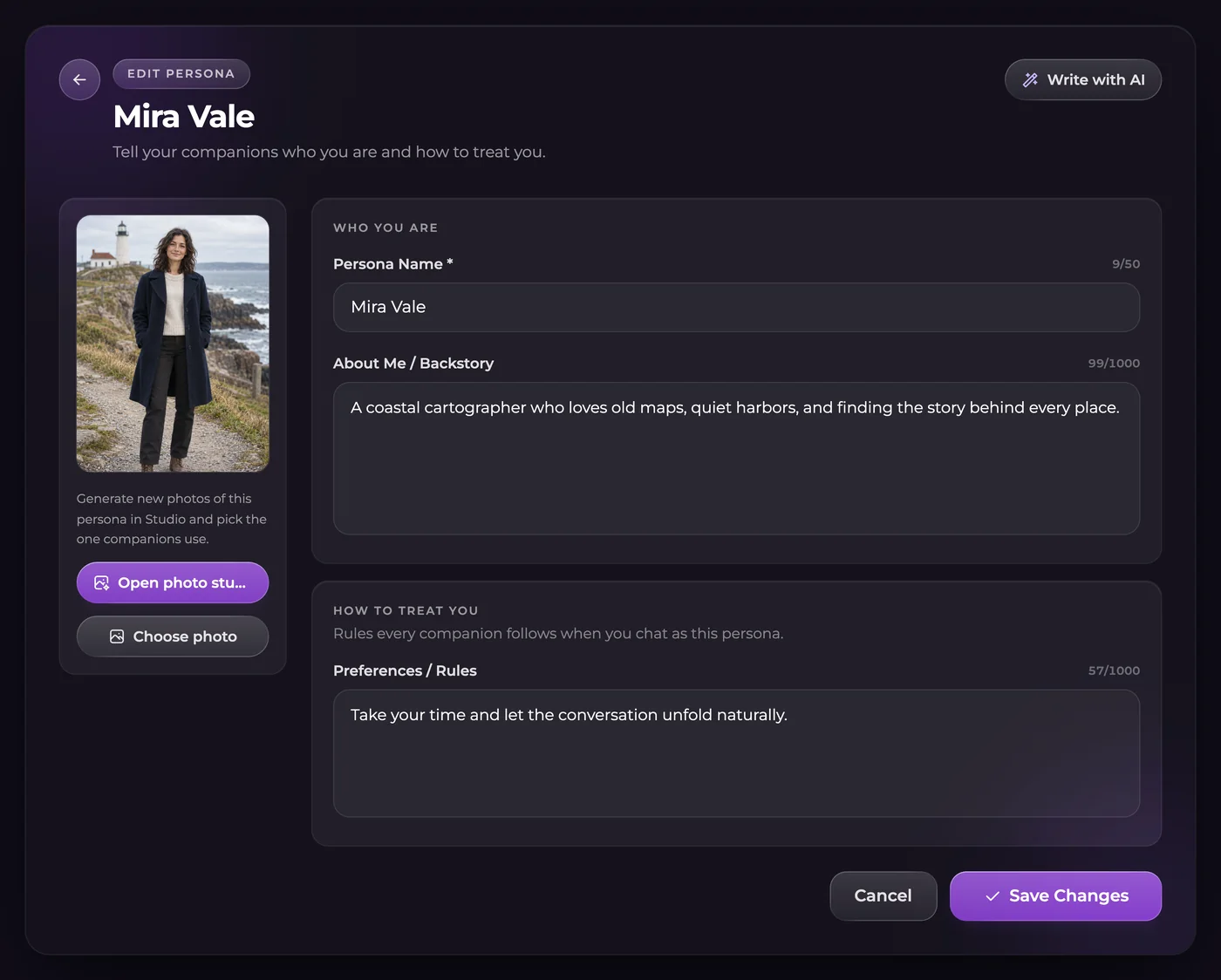
Write the details that should follow your role
On Ultimate, open Personas and start a new persona. Enter the name you want companions to use, then give the role a backstory and interaction preferences. Put your character's identity in the backstory and how you want the conversation handled in Preferences or Rules.
Keep those details focused. A fictional archivist, their interest in old maps and a preference for concise dialogue are useful identity details. The entire history of one adventure belongs with that story's continuity instead.
Switch roles without rewriting old messages
Choose the persona active in the relevant conversation. Changing the role changes future context; it does not rewrite prior dialogue or erase the story's saved events. Check which persona is active before continuing a thread with a different identity.
Editing or switching persona text does not cost Moments. Appearance creation and subsequent Studio photos are separate workflows with their own displayed prices.
Give a persona an appearance when you need one
A saved persona photo lets supported image tools include your role visually. Use an adult fictional appearance, review the result and choose the photo to save. A picture intended for your persona is not a new companion to chat with.
For supported group photos, the total limit is three people, including the persona. Give each person a clear action or position rather than assigning one ambiguous description to the whole scene.
Questions
Which plan includes personas?
Personas and persona photos are Ultimate features. A custom companion is a different feature and should not be confused with your saved role.
Can I use a different persona in another chat?
Yes. Choose the active persona for the conversation. Verify the selection before continuing if you keep several different roles.
Does changing a persona erase the story?
No. Switching changes the context for later replies; it does not rewrite the previous messages or reset every memory.
Is every persona photo free?
No. Persona text controls and appearance-generation actions are different. Review the price or eligible first-appearance offer shown for your account before generating.