
Pick a setting that interests you
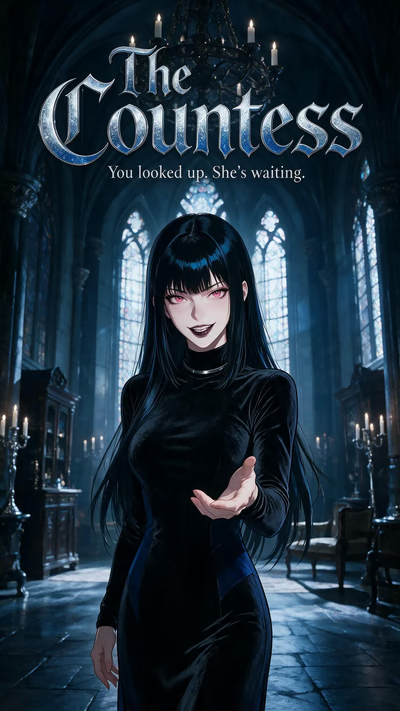
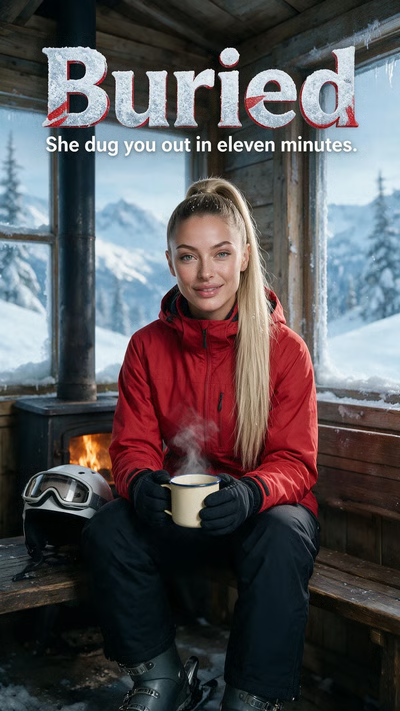
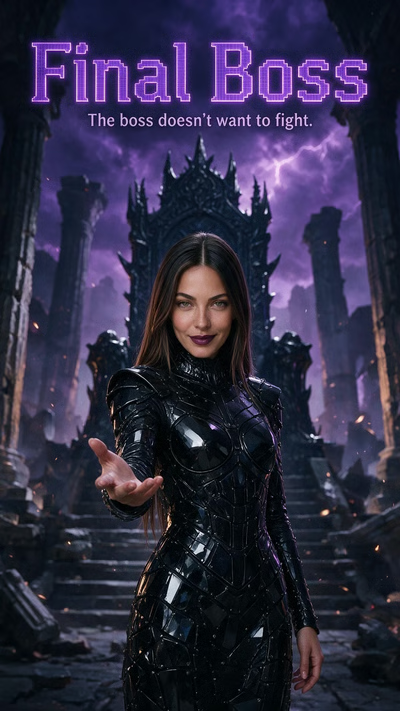
Use the available gender, style, content and genre filters to narrow the scenario collection. Open a cover to read the situation before playing it. If the selection looks unexpectedly small, clear old filters before assuming the story has disappeared.
You can begin with a mystery, a romantic introduction or an adventure. The opening provides shared context, which is useful when you do not want to invent the entire first scene yourself.
Choose what you say next
At the reply stage, selecting a suggested line sends those words as your opening message. If none fits your character, write your own. An account or email-verification prompt can appear before the conversation continues.
Once the chat is open, you are not restricted to the original reply suggestions. Keep writing in your own words, and state the actions or boundaries that matter to your role.
Use the right format for the experience
Reels is for interactive openings; Shorts is for an episodic sequence to watch. Swiping to another Reel changes the opening you are watching. Buying or watching a Short does not automatically establish a chat storyline.
For a story you want to continue later, return to the correct conversation rather than starting a new thread every time. Use separate threads when you want a different version of the premise.
Questions
Can I write a reply instead of choosing one?
Yes. Use the option to say something else at the reply stage. The opening-message field allows up to 500 characters.
Do I have to finish the video to open the replies?
No. The Reply control can open the choices before the ending. You can also replay the opening if you want to review the situation.
Are Reels the same as generated personal videos?
No. Reels presents prepared scenario openings. The Generation Studio is where you create a new video using a source image and motion prompt.